

For hospital administrators and managers
This means: better visibility of what is happening in the hospital, fewer manual processes and more control over operations and finances

For doctors, nurses, and staff
This means less time searching for information, fewer repeated tasks and more time focused on patient care
For patients
This means shorter waiting times fewer mistakes and a more professional experience



Keep patient information clear and easy to access
Staff should find patient records in seconds, not minutes. Whether it is a first visit or a return visit, information should be complete and reliable.
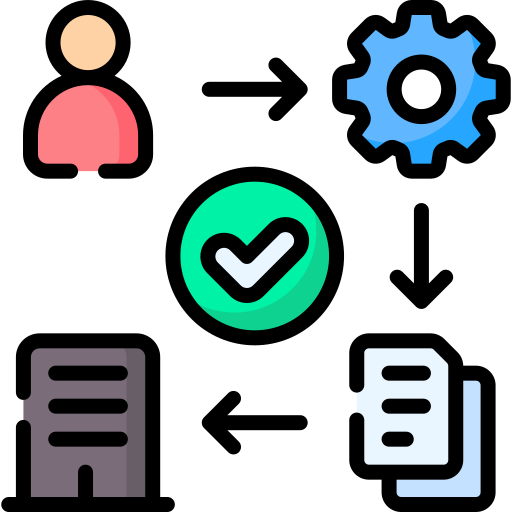
Reduce manual work and repeated tasks
The same data should not be entered again and again. Once information is recorded, it should flow across departments without extra effort.
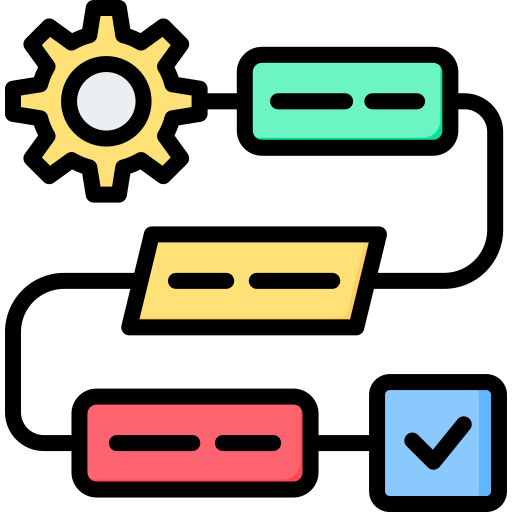
Support smooth patient flow
From registration to consultation, lab, pharmacy, and billing, the system should help patients move through the hospital without unnecessary delays.

Make billing accurate and transparent
Every service provided should be captured correctly. This reduces disputes, builds patient trust, and protects hospital revenue.
Provide clear reports for decision-making
Hospital managers should see what is happening in real time, not wait days for reports. Good software turns daily activity into useful insights.

Be easy for staff to learn and use
A system only works if people actually use it. Simple screens and clear workflows matter more than complex options nobody touches.


Choosing the cheapest option, not the right one
Low-cost systems often come with hidden costs. Poor support, limited features, or constant breakdowns end up costing more in the long run.

Ignoring how staff actually work
If a system does not match real hospital workflows, staff struggle to use it. Workarounds appear, and the system slowly gets ignored.

Overlooking local requirements
Some systems look good on paper but do not fit local regulations, reporting needs, or payment methods. This creates compliance and operational issues later.

Underestimating training and support
Software is not “set and forget.” Without proper training and ongoing support, even good systems fail.

Ease of use
If staff need constant help to use the system, it will fail. The software should feel natural, even for staff who are not very technical.

Support and reliability
When something goes wrong, help should be available. Hospitals cannot afford long system downtime during busy hours.

Fit for local hospital needs
The system should work well within local healthcare realities, including reporting requirements and daily workflows.


Ability to grow with the hospital
Patient numbers increase. Services expand. The software should handle growth without forcing a full replacement.
Clear reporting and visibility
Management should access accurate reports easily. Good decisions depend on clear, timely information.
Data security and backups
Patient information is sensitive. The system should protect data and ensure it is not lost.
Faster Workflows
MedicentreV3 HMIS streamlines the entire patient journey. Its coordinated queue management allows patients to move across departments without confusion or delays.

Seal Revenue Leakage
With automated revenue tracking, color-coded billing, and clear financial reports, this hospital management system helps hospitals seal revenue leakage.

Higher Patient Satisfaction
Our healthcare software includes clinical decision support, electronic medical records, and telemedicine making treatment faster, more accurate, and more personalized.

Better Decision Making
MedicentreV3 HMIS provides real-time Business Intelligence dashboards (with upcoming AI-powered reporting) to help administrators track trends, manage resources, and make informed decisions.
Powerful Integrations
MedicentreV3 HMIS connects effortlessly with key healthcare systems and government tools: KRA eTIMS, SHA HIE, MPESA, DICOM, HL7, and Slade/SMART for insurance claims.

Peace of Mind
Built for healthcare compliance from day one. MedicentreV3 HMIS is secure, fully cloud-ready, and certified by the Data Protection Commissioner
